Channel Groups
Channel groups allow you to group multiple channels together to better organize your content.
Creating a Channel
To add a new channel:
- Click on "Manage Groups".
- In the interface:
- On the left: you'll find the list of existing groups.
- On the right: a form allows you to add a new channel.
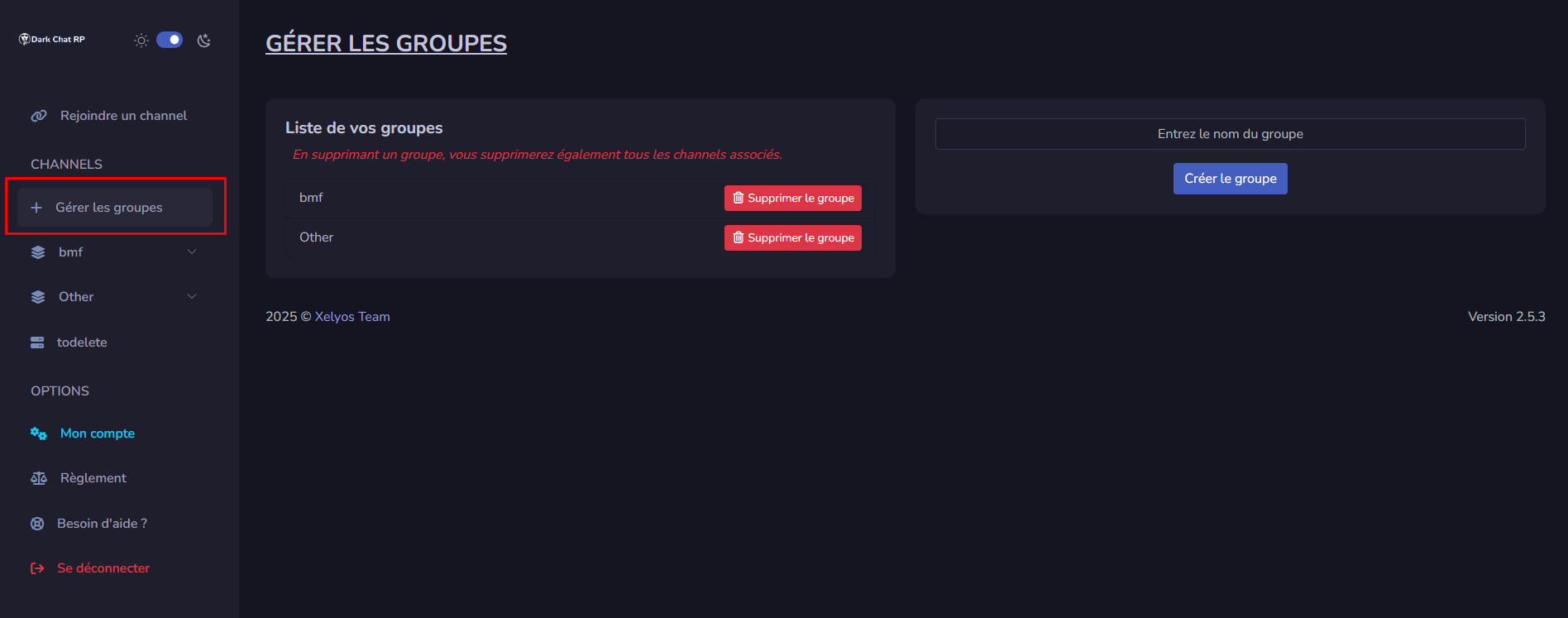
Once the channel is created, you can click on it to open and start using it.
Organizing Channels
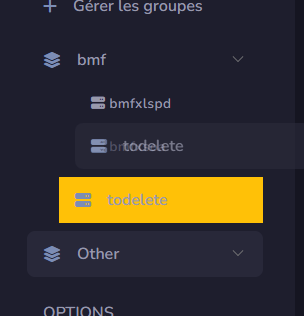
You can move a channel from one group to another using simple drag and drop.
Deleting a Channel
To delete a channel, go back to "Manage Groups" and use the list on the left to remove it.
Deleting a channel group will also delete all channels it contains. Please double-check before proceeding.