
Installation
💡 To stay up to date on upcoming bot improvements, join our Discord and get the Anonymous role.
Step 1 — Invite the bot to your server
Click the following link to invite the bot: Invit the bot
You must be an administrator of the target server to perform this action.
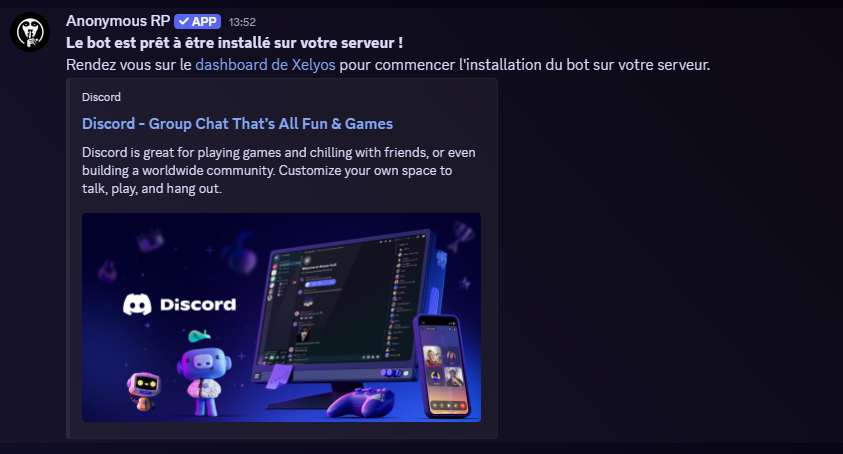
Once the invitation is confirmed, you will receive a private message from the bot.
Step 2 — Initialize the bot
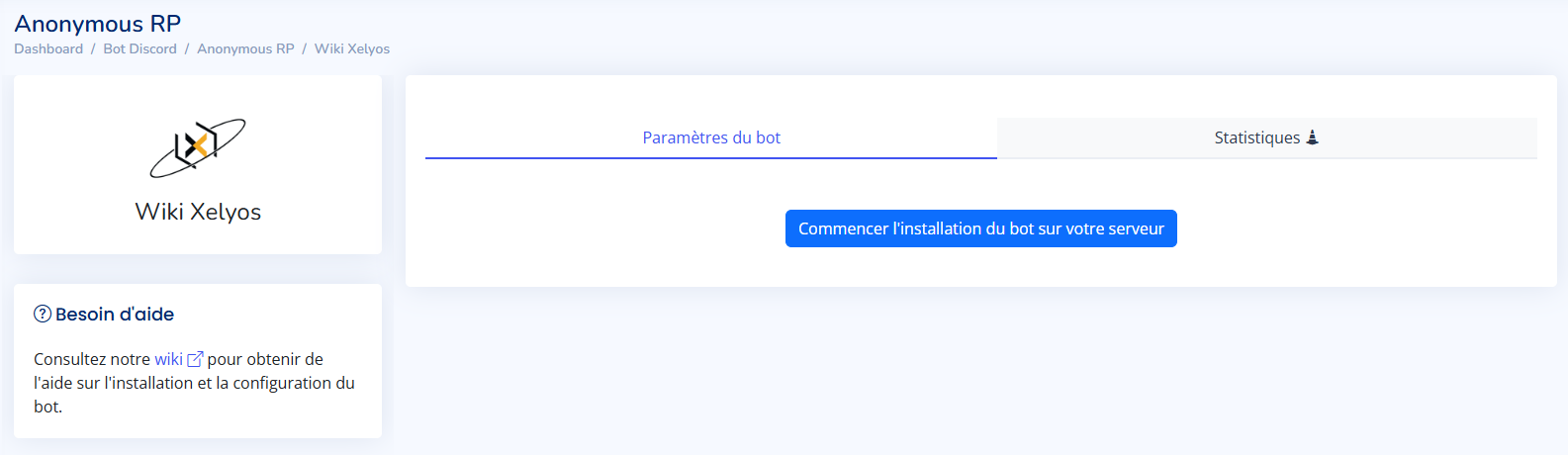
Go to the Xelyos Dashboard, under Discord Bot › Anonymous RP.
The page displays the list of servers you own where the bot is installed.

Can't find your server? Click Sync my servers.
Select your server, then click the Initialize bot button.
This will automatically create:
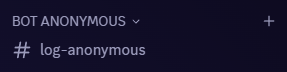
The bot will not work without a valid log channel.