
Installation
💡 To stay up to date on upcoming bot improvements, join our Discord and get the Anonymous role.
Step 1 — Invite the bot to your server
Click the following link to invite the bot: Invit the bot
⚠️ You must be an administrator of the target server to perform this action.
Once the invitation is confirmed, you will receive a private message from the bot.
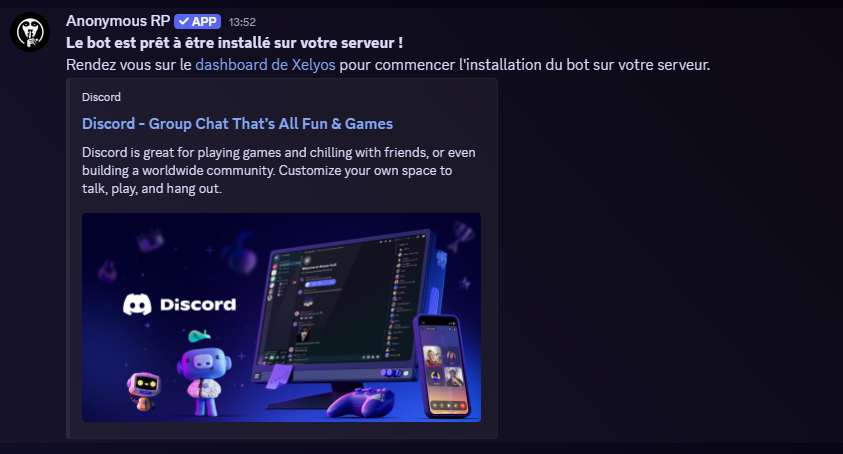
Step 2 — Initialize the bot
Go to the Xelyos Dashboard, under Discord Bot › Anonymous RP.
The page displays the list of servers you own where the bot is installed.
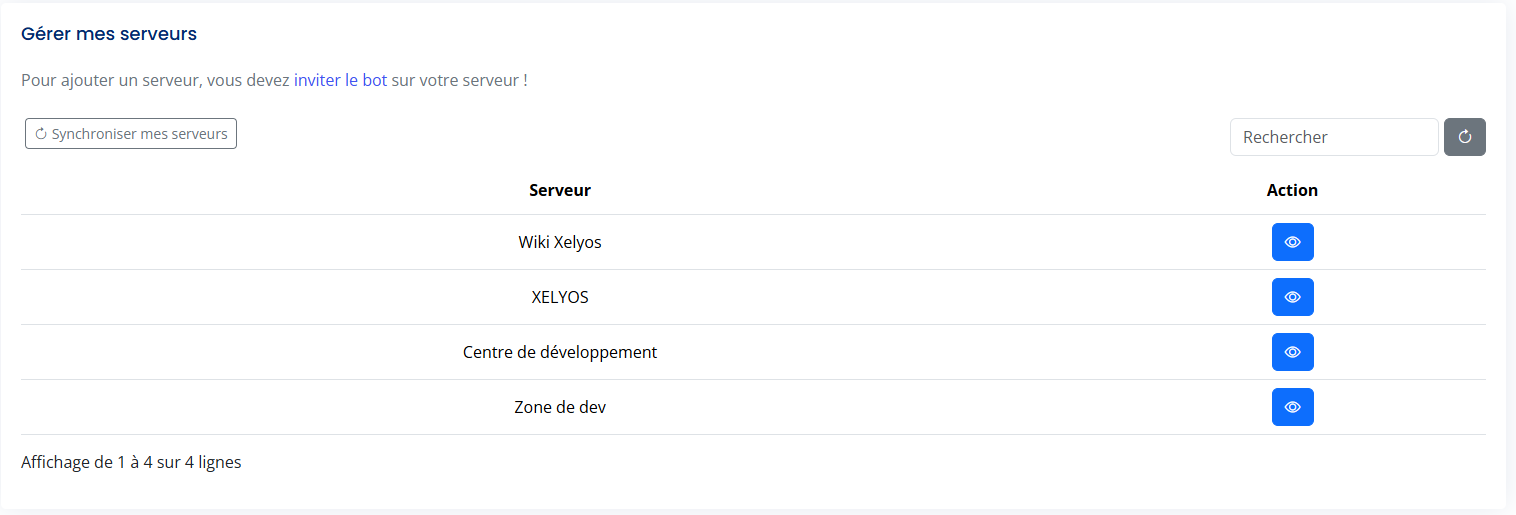
🔄 Can't find your server? Click Sync my servers.
Select your server, then click the Initialize bot button.
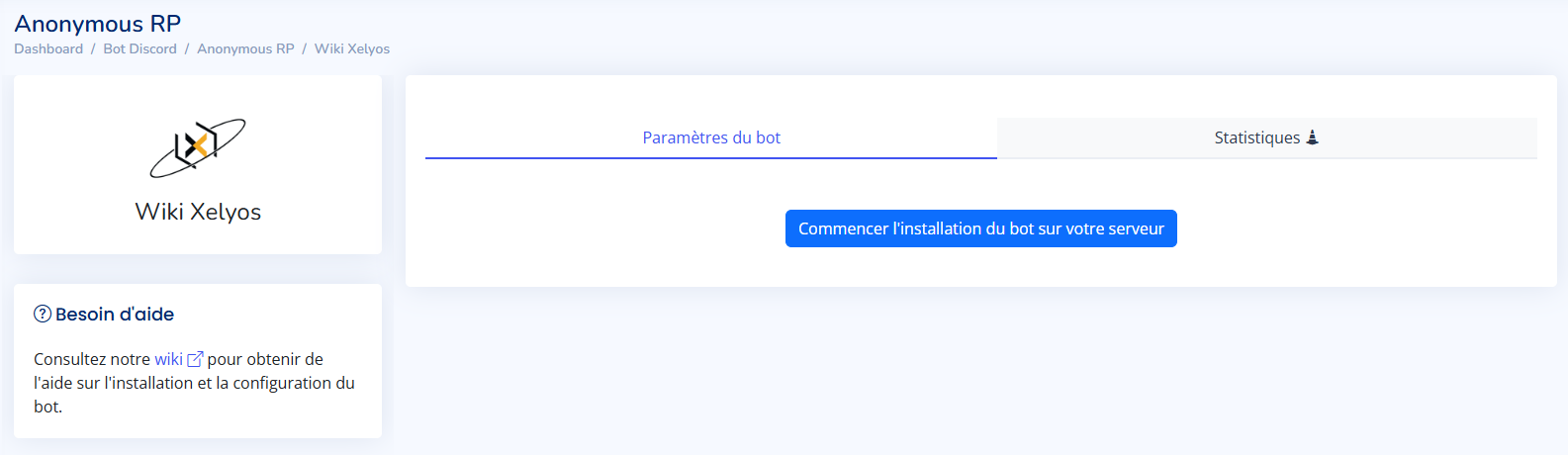
This will automatically create:
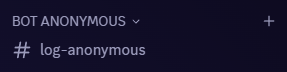
🚨 The bot will not work without a valid log channel.
You can change this channel at any time from the settings: Edit the log channel.